
Claude Now Draws Interactive Charts and Diagrams Inside Your Conversation
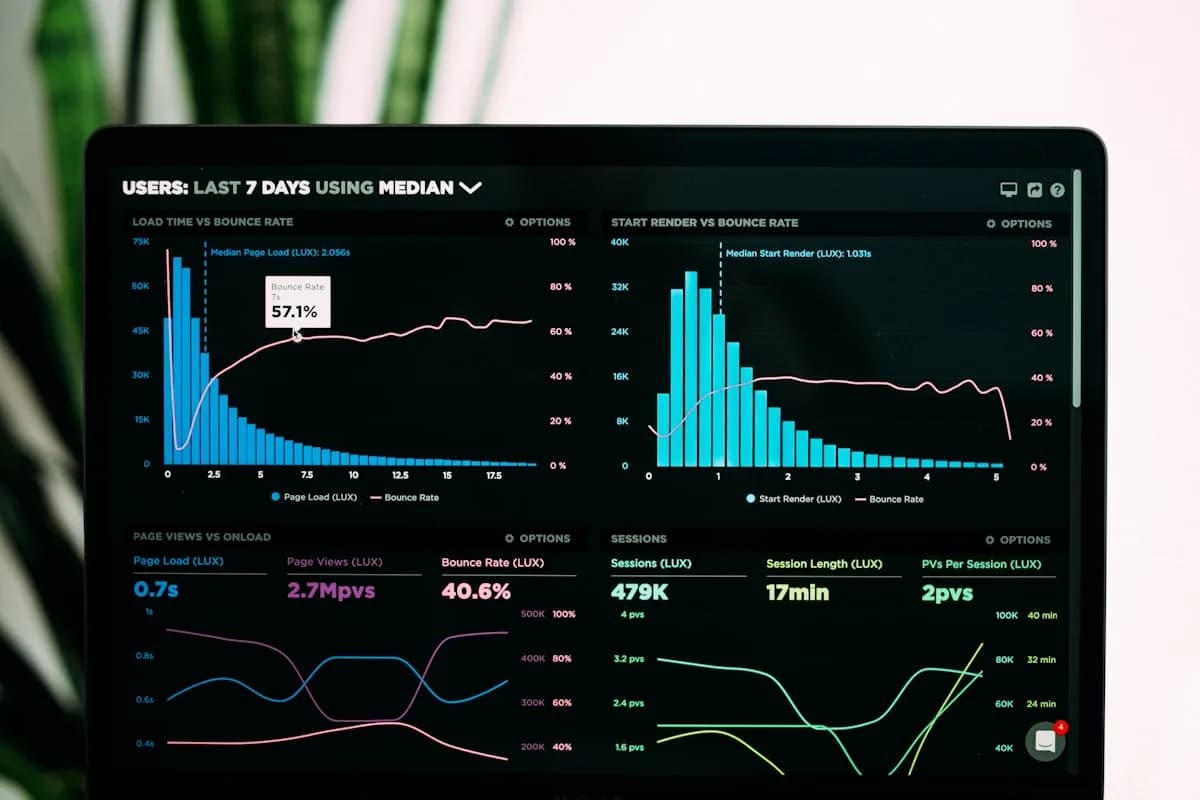
Anthropic has launched inline visualizations for Claude, a feature that lets the AI create custom charts, flowcharts, diagrams, timelines, and interactive widgets directly inside the chat window. The feature launched on March 12, 2026 as a beta available to all users on every plan, including the free tier. No plugins or setup required.
What Makes This Different From Artifacts
Claude already had Artifacts, downloadable documents and apps that appear in a side panel. Inline visualizations are fundamentally different. They are ephemeral: they appear inside the conversation flow, change as the discussion evolves, and disappear when no longer needed. Think of them as a whiteboard sketch rather than a finished document.
The visualizations are interactive. Users can hover over data points for details, click elements, adjust sliders, and toggle categories. Crucially, they are conversationally editable: say "add Q4 projections" or "change this to a bar graph," and Claude updates the existing visual on the fly without starting over.
Practical Use Cases
Upload a CSV file and ask "What does this data show?", Claude generates an interactive chart. Ask "Show me how compound interest works", Claude creates a simulation with adjustable interest rates. Ask "Draw the structure of our company", Claude produces an organizational diagram. Ask "Visualize the periodic table", Claude builds an interactive version you can click through for element details.
This eliminates the need to copy AI output into Excel, Tableau, or Lucidchart. The visualization happens where the thinking happens.
How to Trigger It
Claude automatically decides when a visual would help explain something. To request one directly, use phrases like "draw this as a diagram," "chart this data," or "show me how this changes over time." Created visuals can be downloaded as SVG or HTML, or saved as a permanent artifact.